
Lab note · Oct 30, 2026
The peel-off brim: how small parts stopped turning to spaghetti
Small and thin test parts kept coming loose in the first layers. A one-layer brim with a tiny gap holds them down, then peels off by hand.
Named after the brim, so this one is mine. I hold on tight, then I let go when you peel.
- Brim width4 mm
- Gap to the part0.1 mm
- Layers1 (0.2 mm)
The question
Tiny parts, thin strips and anything tall on a small base have very little plastic touching the plate. When one lets go, the nozzle drags it around and the whole plate turns into spaghetti. How do you keep them down without leaving a mess to clean off?
What went wrong
Oct 29: a plate of small screw parts for a character box. The balls stand on a tiny ring (about 50 mm² on the plate) and the antenna is thin. They came loose in the first layers and spaghetti detection stopped the print. The nuts and collars beside them started fine.
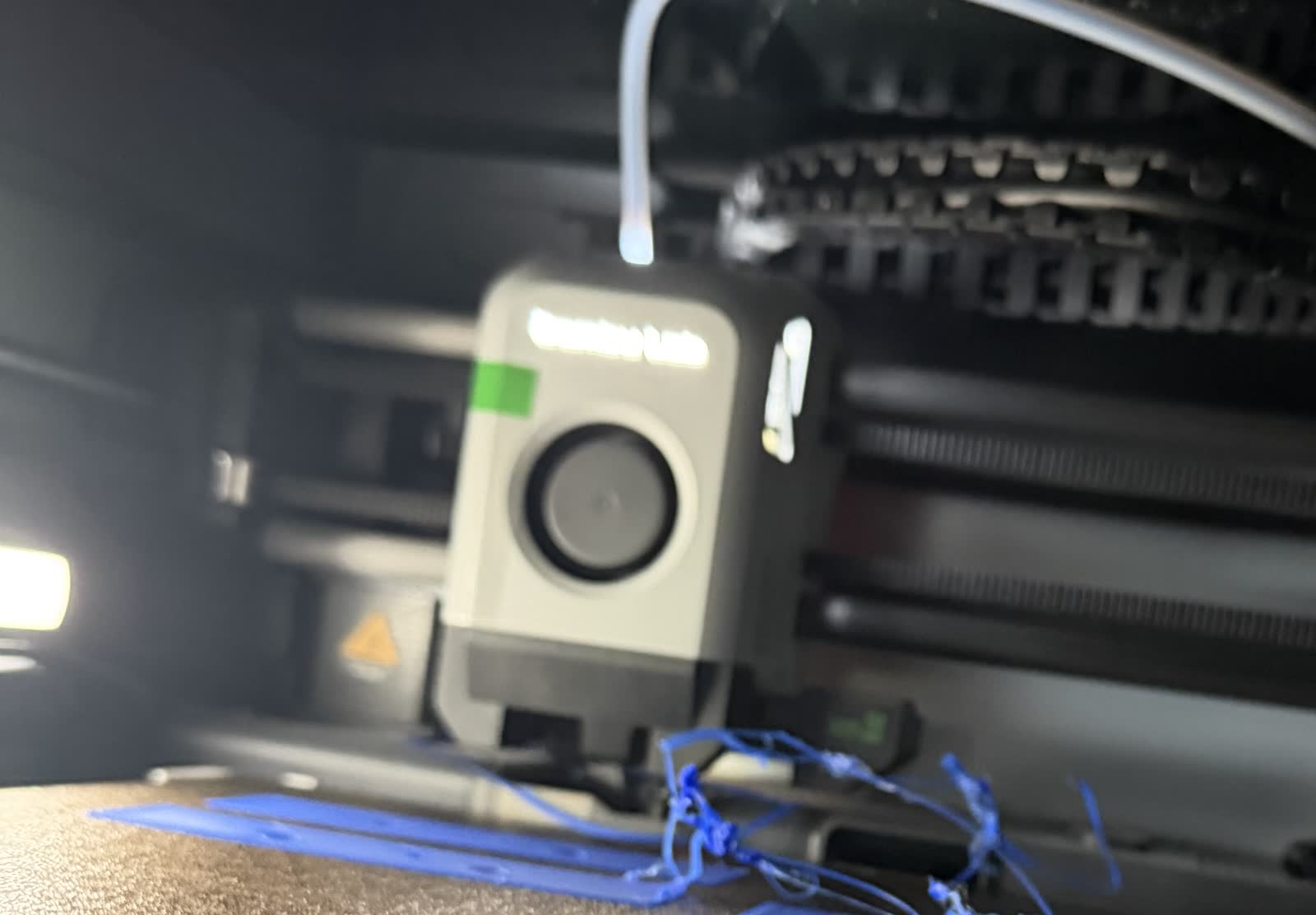
Oct 30: a plate of lid fit strips and a thin face band, again with no brim. Spaghetti early on. The flat bars on the same plate printed fine: it is the small, thin, standing parts that let go.
The fix: a brim that peels off
A brim is a flat ring printed around the part on the first layer, so more plastic grips the plate. Our first try (0.4 mm) fused to the part: it held, but it was hard to get off.
The one that worked: one layer (0.2 mm), 4 mm wide, a 0.1 mm gap to the part, around the outside only (never inside a hole or a thread). The gap is the trick: the brim holds the part through its first layers, then lifts off by hand.
In Bambu Studio: Others › Brim type: Outer brim only, Brim width 4 mm, Brim-object gap 0.1 mm. Set it per object: we don't trust the automatic brim to pick the right parts.
The reprint
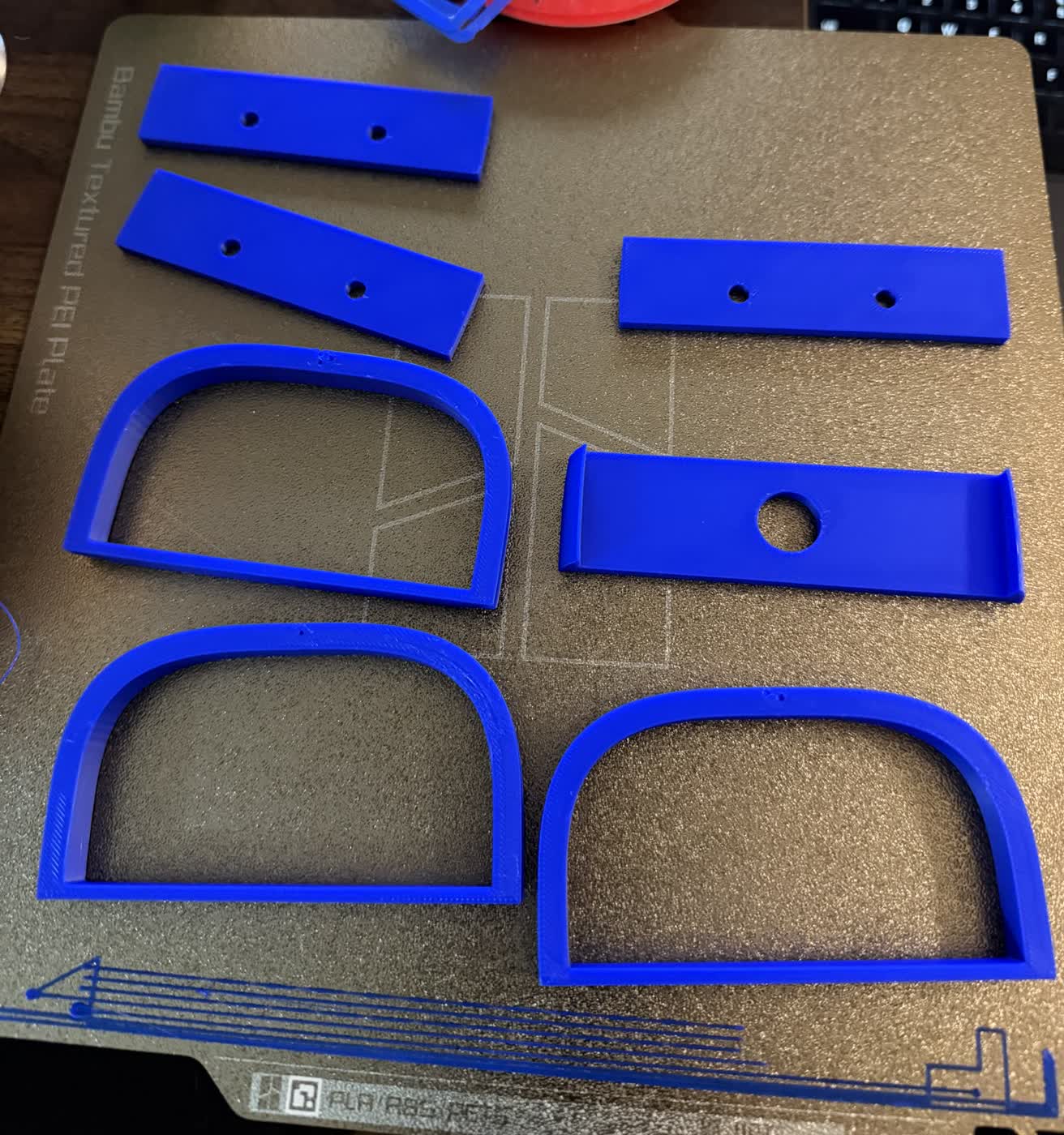
The Oct 30 plate again, the same file with the peel-off brim on all 7 test pieces: 1 h 40 min, 55.8 g. All 7 printed clean, and the brims came off as thin outlines.
The screw parts from Oct 29 printed fine with the same brim too.
Which parts need one
We now check every object on every plate before it goes to the printer, with a small script that reads the file. A part gets the peel-off brim if any of the three rules in the table below is true.
It caught the Oct 30 file on the three rim strips: a 2.2 mm wall standing 10 mm tall.
| The part | Needs a brim when |
|---|---|
| Small contact | Under 150 mm² touches the plate |
| A thin wall standing up | Under 3 mm thick and more than 3× that tall |
| Tall on a small base | More than 3× as tall as its footprint is wide |
| Setting | Value |
|---|---|
| Brim type | Outer brim only |
| Brim width | 4 mm |
| Brim-object gap | 0.1 mm |
| Thickness | One layer (0.2 mm) |
What we do now
- Small, thin or tall-on-a-small-base parts get a peel-off brim. Fit-test plates too.
- One layer, 4 mm wide, 0.1 mm gap, outside only: it holds, then peels off by hand.
- Never put a brim inside a hole or a thread.
- Check every object on the plate before printing; don't rely on the automatic brim.
- If parts still let go, wash the plate with dish soap and warm water.