
Lab note · Oct 29, 2026
Our holes printed bigger than we drew them
Round eyes fell out of their pockets at every gap we tried. The fix was to draw the eyes bigger than the pocket, then check in the real part.
Layer by layer, a round hole standing up came out bigger than the drawing. So we drew the eyes bigger.
- Gaps that failed0.05–0.15 mm
- Winner in the test block+0.05 mm
- Lid snap ridge0.55 mm
The question
A character box has round eyes that press into a panel. In CAD, an eye a little smaller than its pocket should push in and stay. How much smaller?
Round 1: 0.15 mm
Our first test plate had an eye in a screen block at 0.15 mm gap per side. Loose: turn the block over and the eye drops out.
Round 2: tighter, and still loose
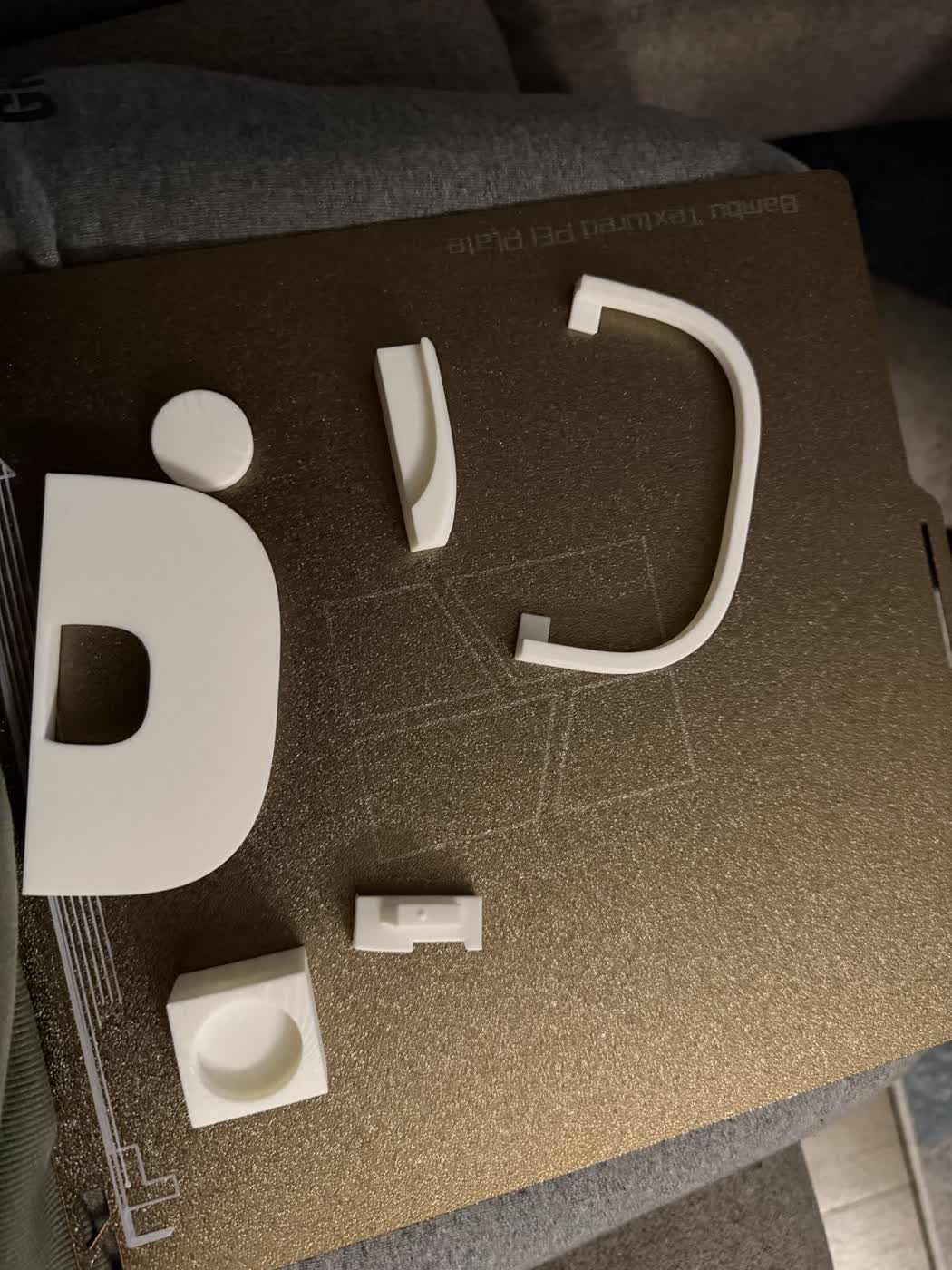
Three eyes at 0.05, 0.08 and 0.11 mm gap, marked 1 to 3 dots. All loose: even 0.05 went in easily and fell out when shaken upside down.
The pocket is a round hole standing upright in the print, and it came out larger than drawn. No amount of "a bit smaller" was going to work.
Also: the dots were on the face that sat on the plate, and they vanished into the plate's texture. Dots are now at least 1.6 mm wide, 0.6 mm deep, on a face that is not on the plate.
Round 3: eyes bigger than the pocket
So we drew the eyes bigger than the pocket: 0.15, 0.10 and 0.05 mm per side. The +0.05 mm eye (24.78 mm across) won: a firm push, all the way in, and it doesn't go anywhere. The other two felt too tight to risk.
In the real part
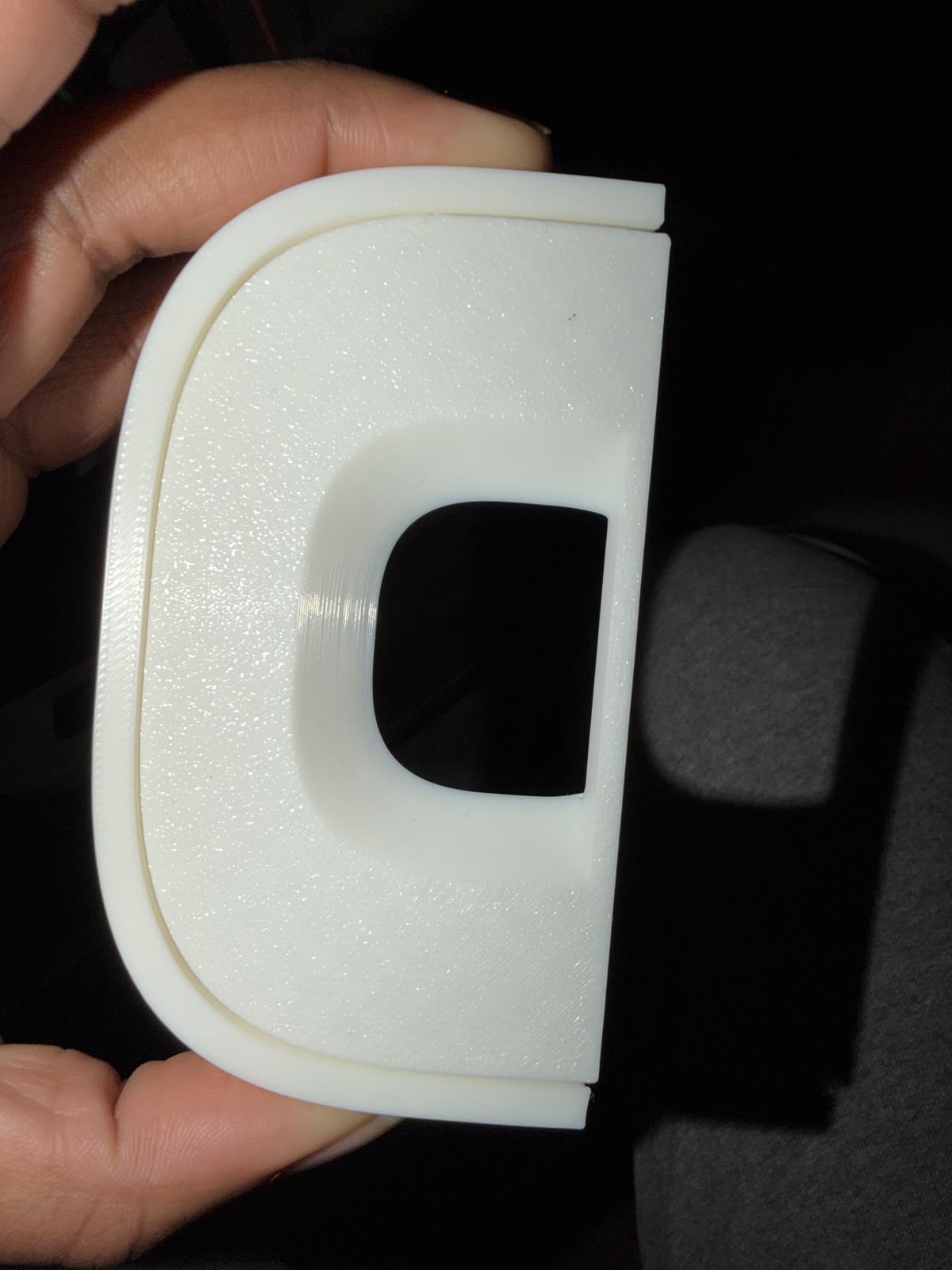
The winning size was too tight in the full panel: palm, then thumb, to seat it, and one eye would not sit flush and could not be taken out again, because the pocket has a closed back.
The fix: eyes drawn exactly the size of the pocket (line to line), and a 5.2 mm push-out hole behind each one. A fit that is right in a small test block can come out tighter in the full part.
The lid that snaps
Same box, same day. Round 2 snap lids were better than plain ones, but fell out on the curved side and didn't sit flush at the corners. In CAD the lid seated perfectly, so it was the print: the plug printed tip down and its first layers flared out, the inside corners came out tight, and the snap ridges only ran along three sides.
Round 3 got a flush base, ridges all round except the front, 6 mm corners and a 0.6 mm lead-in chamfer on the tip: it sat flush and clicked, but came out if shaken.
Round 4 added a 45° seat with snap ridges standing 0.40 or 0.55 mm proud. 0.55 snaps in and holds upside down. The final box shell printed with it came out perfect.
| Round | Gap | Result |
|---|---|---|
| 1 | 0.15 mm | Loose: falls out upside down |
| 2 | 0.05 / 0.08 / 0.11 mm | All loose, even 0.05 |
| 3 | −0.15 / −0.10 / −0.05 mm | −0.05 wins in the test block |
| Real part | −0.05 mm | Too tight: now line to line, with a push-out hole |
| Round | What changed | Result |
|---|---|---|
| 2 | Snap ridges on three sides | Better than plain; falls out on the curve, not flush at corners |
| 3 | Flush base, ridges all round, lead-in chamfer | Flush and clicks; comes out if shaken |
| 4 | 45° seat, ridges 0.40 / 0.55 mm | 0.55 holds upside down |
What we do now
- Holes standing upright in the print come out bigger than drawn: test press fits with the part bigger than the pocket.
- A press fit can be tighter in the full part than in a test block: test in the real part, or go one step looser.
- Every pocket with a closed back gets a push-out hole.
- Put fit-test dots where you can read them: big, deep, and not on the face that sits on the plate.
- For a lid that stays on upside down: a flush base, a 45° seat and a snap ridge all round.